

The Biometric Lockdown: Why Your 2026 Screen Repair Needs 'System Configuration' to Keep Face ID and True Tone Alive
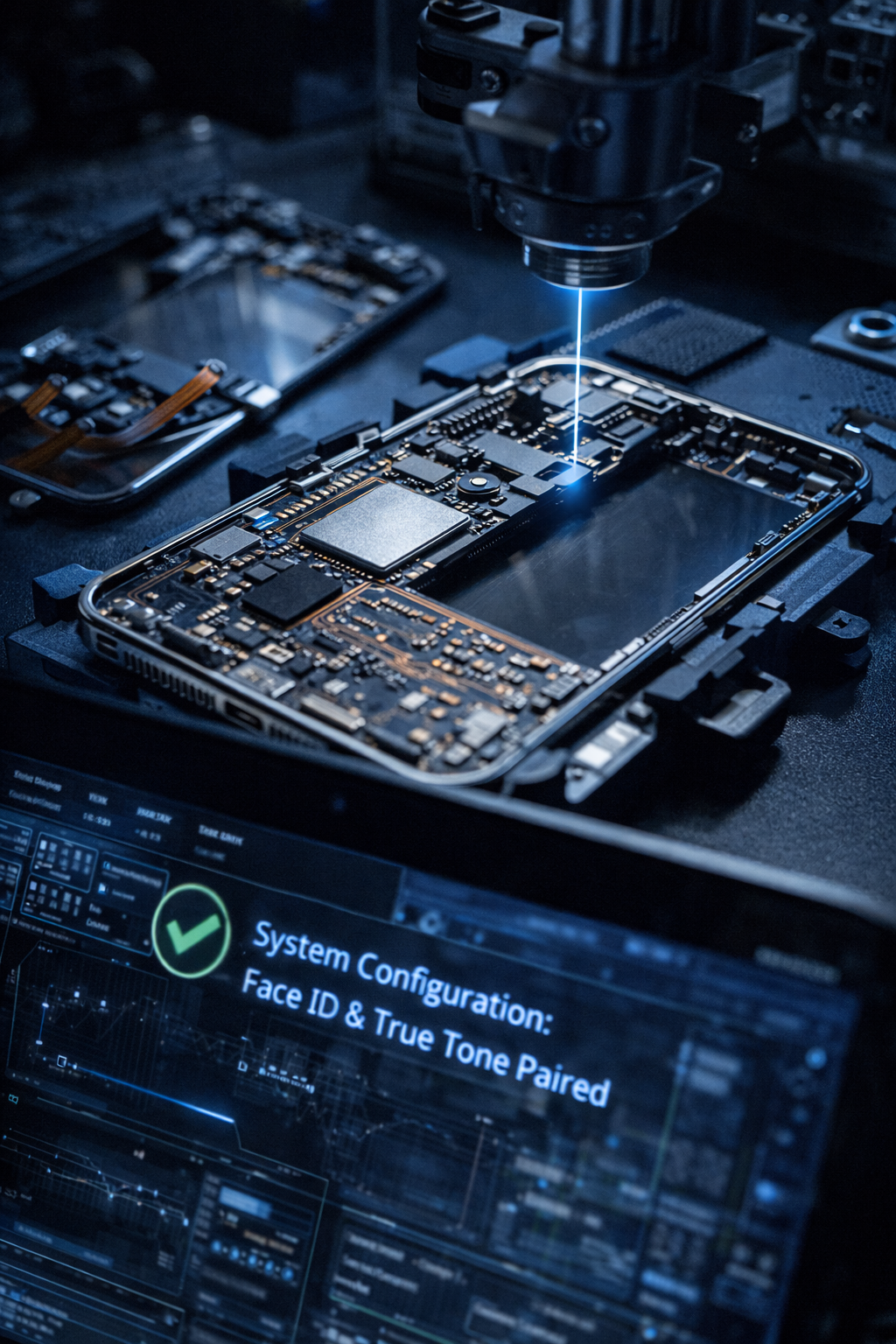
Introduction: The "Parts Pairing" Trap
In 2026, a cracked screen is no longer just a physical nuisance; it is a digital gatekeeper. We’ve all been there—you drop your phone, the glass shatters, and you think a quick swap will fix it. However, many DIYers and low-end shops are finding that after a replacement, their Face ID is disabled and the display looks "off" because True Tone has vanished.
This isn't a coincidence or a "bad part." It is a deliberate security feature known as "Parts Pairing." As a technician dealing with these daily
Section 1: What is System Configuration?
System Configuration is a cloud-based software authentication process used by manufacturers to verify that a replacement part is "authorized." In the past, hardware was modular; you could swap a part and it just worked. In 2026, the serialized chip on your screen must match the unique ID stored on your motherboard.
When we perform
Section 2: Why Face ID and True Tone Fail Without Calibration
The loss of these features is the most common complaint from users who choose "budget" repair options. Here is why they are so sensitive:
Face ID Synchronization: The TrueDepth camera system is calibrated to the specific optical properties of the glass it sits behind. Even a micron-level difference in glass thickness can cause the infrared laser to refract incorrectly, leading to "Face ID Not Available" errors.
True Tone & Ambient Light: True Tone adjusts your screen's color temperature based on your environment. The data for this calibration is stored on the screen’s integrated circuit (IC). If that data isn't transferred or re-configured via
how it works Touch Sensitivity: In 2026 models, the digitizer response is also tied to this configuration, meaning an uncalibrated screen might feel "laggy" or less responsive during fast typing.
Section 3: Professional Advice for 2026 Device Owners
If you find yourself with a broken display, the "cheapest" fix often becomes the most expensive one when you realize you've lost the core functionality of your $1,000 device.
Our Recommendations:
Verify the Shop's Tools: Before handing over your phone, ask if they perform "System Configuration" or "IC Transfers." If they don't know what those are, your biometrics are at risk.
Back Up Before Repair: Always ensure your data is in the cloud. While we aim to keep your data safe, the calibration process involves deep-level software communication.
Check for "Genuine Part" Messages: Post-repair, check your "About" settings. A successful repair will show the part as "Genuine" rather than "Unknown Part."
For those running a
Section 4: Conclusion and Final Thoughts
The era of "plug-and-play" smartphone repair is effectively over. The Biometric Lockdown is a double-edged sword: it protects your device from malicious hardware hacks, but it makes independent repair much more complex. Ensuring your Face ID and True Tone screen repair is handled by experts with the right diagnostic software is the only way to maintain the value and security of your phone.
Don't settle for a "half-working" phone. If you're experiencing issues or need a repair that keeps your features alive, feel free to
FAQs
Will I lose my photos if I don't do System Configuration?
No, your photos are safe. However, you will lose the ability to unlock your phone with your face and the screen will not auto-adjust its colors (True Tone).
Can Face ID be fixed if it was broken by a previous bad repair?
Usually, yes. As long as the original "Face ID" hardware wasn't physically damaged, a professional can often perform a "re-pairing" or IC transfer to restore functionality.
Is True Tone really that important?
While the phone still works without it, True Tone significantly reduces eye strain by matching the display to your environment's lighting. Most users notice a harsh, blue tint once it's gone.
Disclaimer: This guide is for informational purposes. Attempting to bypass system configuration using unauthorized third-party software can lead to permanent device "bricking" or the loss of encrypted biometric data. Always consult a certified technician for motherboard and display calibration.