

The Satellite Surge: Why Your Phone’s New ‘Space-Link’ Antenna is the Secret Reason for Sudden Signal Failure and Battery Heat
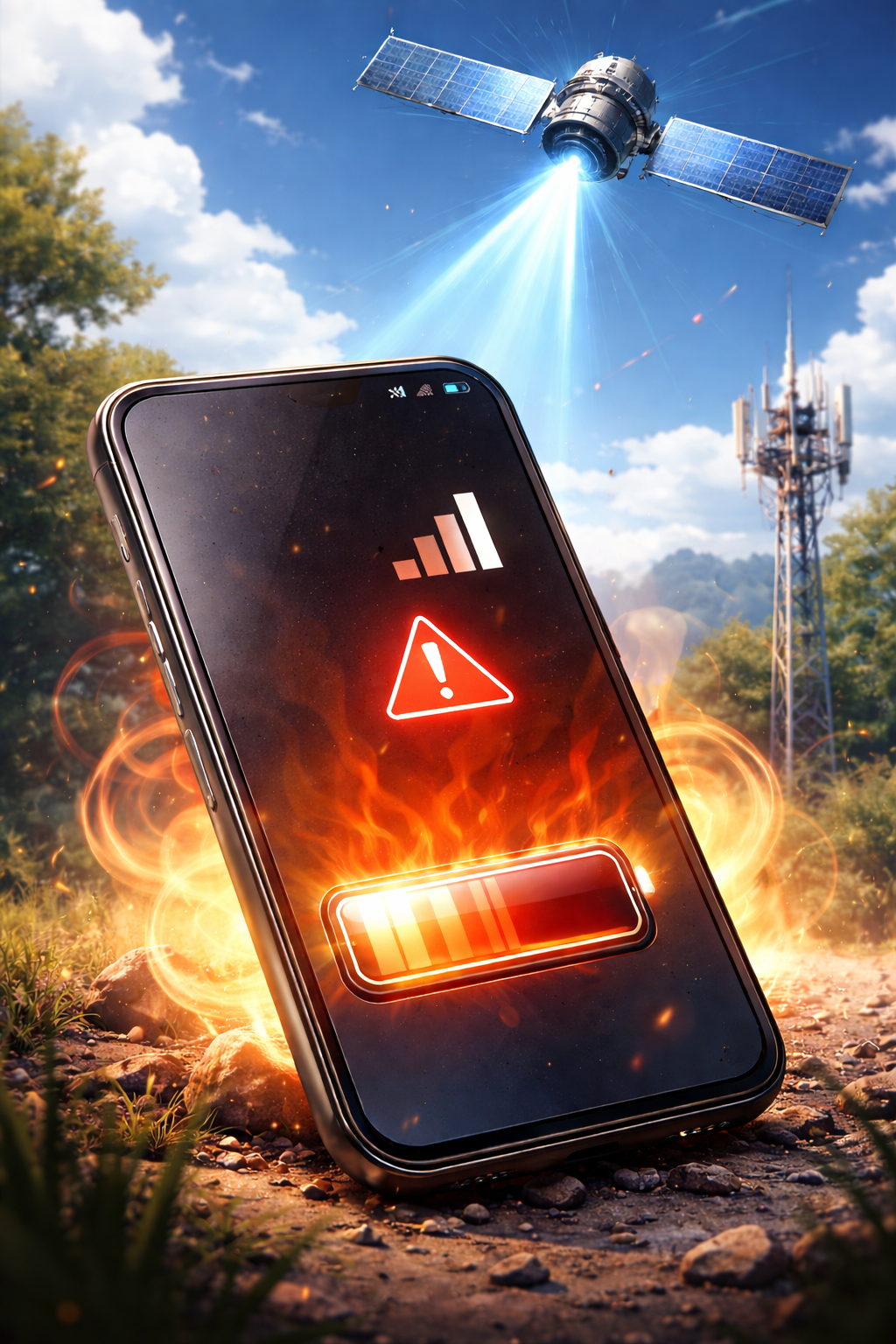
The modern smartphone is no longer just a cellular device; it is a pocket-sized satellite terminal. With the recent rollout of "Emergency SOS via Satellite" and "Direct-to-Cell" features, our phones are now hunting for signals hundreds of miles above the Earth. However, as a writer who has spent years dissecting the intersection of hardware performance and consumer frustration, I’ve noticed a growing pattern. Users aren't just seeing new icons in their status bars; they are experiencing mysterious "dead zones" and devices that feel like pocket heaters.
If you’ve noticed your phone suddenly losing bars in areas that used to be stable, or if your battery percentage is plummeting while the chassis runs hot, the culprit might be the very "space-link" technology meant to save you.
Section 1: The Tech Behind the "Space-Link" Antenna
Satellite connectivity relies on specialized antennas and high-frequency modems designed to communicate with Low Earth Orbit (LEO) satellites. Unlike a traditional cell tower, which might be a mile away, a satellite is moving at roughly 17,000 miles per hour at an altitude of 300+ miles.
To maintain this connection, your phone’s internal radio must work significantly harder. This isn't just a software update; it is a physical demand on the
Section 2: Why Space Connectivity Causes Signal Loss and Thermal Throttling
It seems counterintuitive: how can a feature meant to provide more connectivity lead to signal failure? The answer lies in how your phone manages its radio resources.
The Signal Conflict
When your phone struggles to decide between a fading 5G tower and a faint satellite link, it enters a state of "ping-ponging." This switching logic can cause a complete satellite connectivity signal failure, where the modem hangs or crashes temporarily, leaving you with no service at all. If you find your device is perpetually "Searching," a quick
The "Oven" Effect: Battery Heat
Radio transmission is one of the most power-hungry tasks a phone performs. Sending data to space requires a concentrated burst of power. According to technical documentation from the
Amplifier Overload: To reach the satellite, the phone’s power amplifier runs at maximum capacity.
Background Polling: Even if you aren't using the SOS feature, background "heartbeats" to the satellite network can cause
battery issues
Section 3: How to Manage Your Space-Link Features
While satellite tech is a literal lifesaver in emergencies, you don't always need it active during your daily commute. If your phone is running hot or dropping calls in the city, try these practical steps:
Toggle Airplane Mode: If you hit a sudden dead zone, toggling Airplane Mode forces the modem to re-scan for the strongest cellular tower rather than trying to hand off to a satellite.
Check Your Case: Satellite signals are extremely fragile. Thick or metallic cases can block the antenna, forcing the phone to boost power (and heat) to penetrate the obstruction.
Update Your Carrier Settings: Carriers often release "silent" updates that optimize how your phone handles the transition between towers and satellites.
Professional Diagnostic: If the heat is constant, it might not just be the antenna. An
iPhone repair specialist
Section 4: Conclusion and Final Thoughts
The "Satellite Surge" represents a massive leap in mobile technology, but it isn't without its growing pains. Understanding that your phone is essentially a two-way radio fighting against physics helps explain the sudden signal failures and thermal spikes.
By staying informed and knowing when your hardware is being pushed too far, you can extend the life of your device. If your phone continues to suffer from extreme heat or won't hold a signal despite these tips, it's wise to consult a certified technician to ensure your
FAQs
Why does my phone get hot when the signal is low? When signals are weak, your phone increases its transmission power to reach the nearest tower or satellite. This extra electrical current generates heat within the battery and processor.
Can satellite features be turned off? In most devices, you cannot "turn off" the satellite hardware, but you can limit background data and location sharing, which reduces how often the antenna is active.
Does a satellite connection drain battery faster than 5G? Yes. Communicating with a satellite requires significantly more power than communicating with a local cell tower, leading to faster battery depletion.
Disclaimer: This guide is for informational purposes. If your device is experiencing extreme overheating that makes it difficult to hold, power it down immediately and seek professional repair services to avoid hardware damage.